
Drag, drop and add items exactly where you need them
- Enhancement
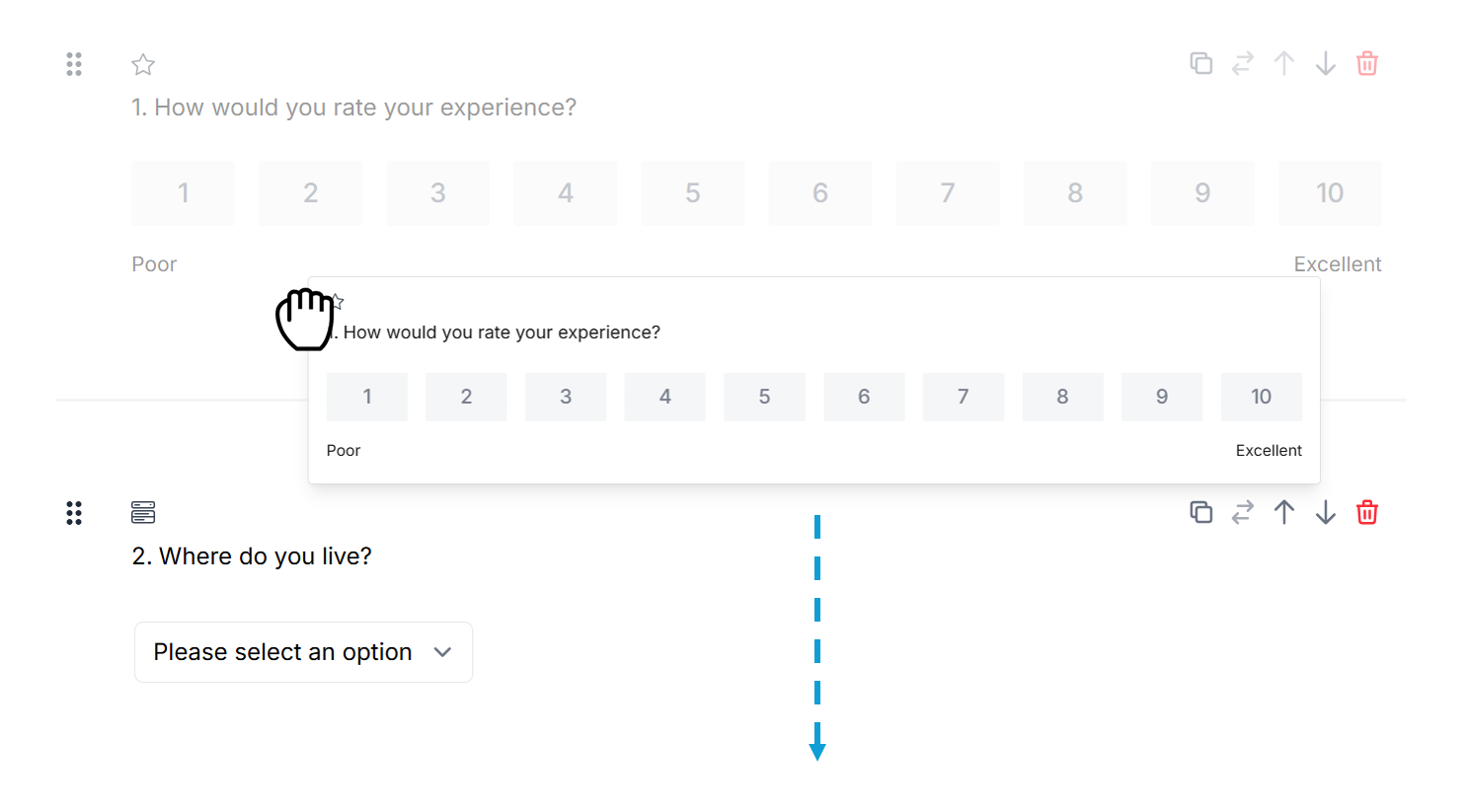
Need to rearrange your survey, add a new question between existing ones, or quickly refine the flow of a page? You can now drag and drop questions and pages, and add items directly into any part of a survey page.
These new survey builder improvements make it easier to structure your survey as you go. Move questions into the right order, insert new content exactly where you need it, and spend less time using move controls or adding items at the bottom of a page before repositioning them.
Our new tools:
Move questions or notes to any part of the page by using the drag handle.
Reorder pages by dragging the page tabs left or right.
Add a question or note anywhere on a page by hovering over the question divider and clicking Add item.
A simpler, faster way to shape your survey pages — and available now in the survey builder.