
View unsubscribed emails in your respondent list
- Enhancement
We’ve made it easier to manage your survey invitations by showing you when an email address has opted out of receiving emails from Online Surveys.
Now, when you’re adding participants to your respondent list, any address that’s been previously unsubscribed will be clearly marked.
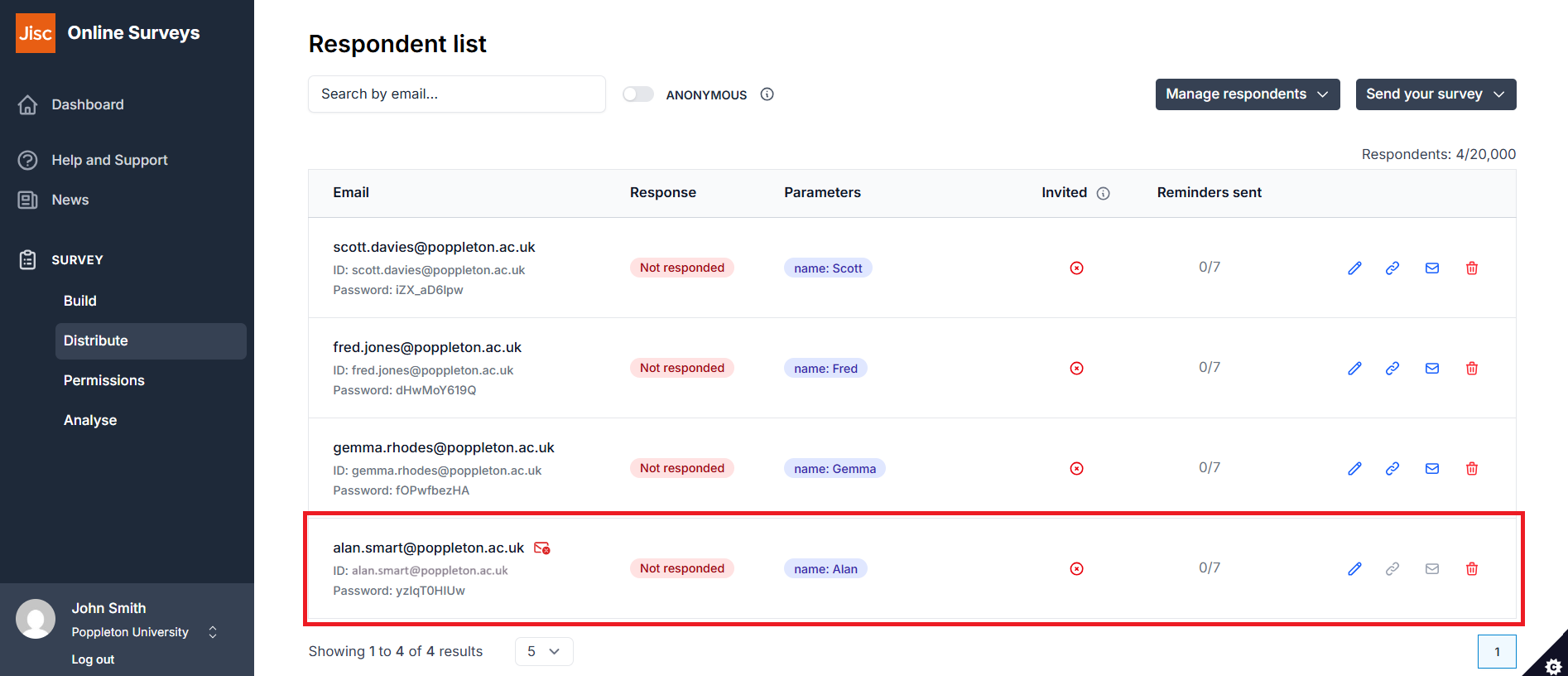
What this means for you:
-
See at a glance which email addresses are opted out.
-
Avoid failed deliveries and respect participant preferences.
-
Easily update or replace contacts before sending invitations.
This helps keep your survey emails compliant, but now you have the insight to understand why some respondents do not receive invitations.