Product updates
Here’s features and improvements we’ve recently released.
Have feedback or an idea for something new? Share your suggestions with our team here, we’d love to hear from you.
Introducing: Survey templates
- New feature
Starting every survey from a blank page? You can now create a survey from a ready-made template — and build a library of your own.
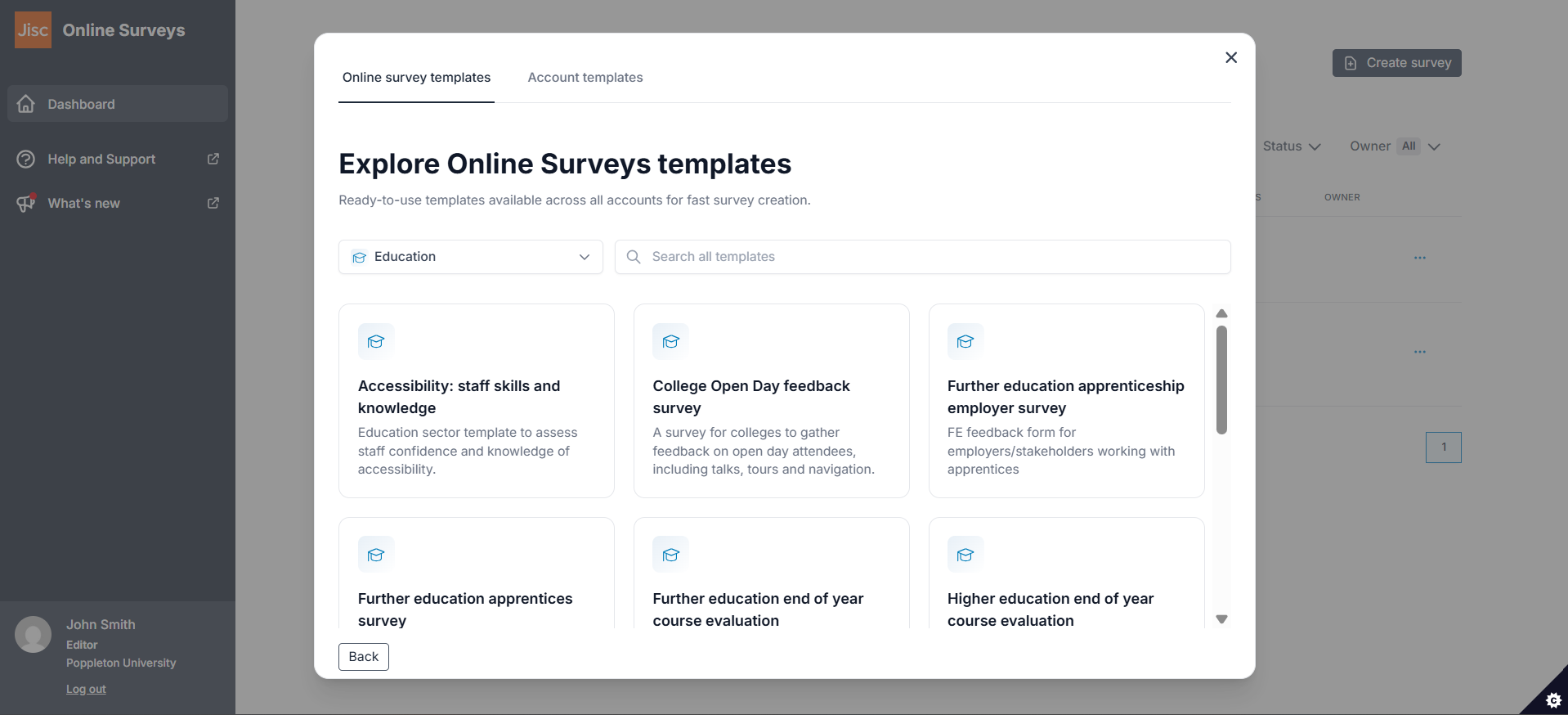
The new survey templates feature gives you two places to start. Online Surveys templates are written by our team and available in every account. Account templates are created by administrators in your own account, so your organisation’s agreed question sets and wording are there whenever anyone needs them.
Click Create survey on your Dashboard and choose Use a template. Filter by category or tag, search by name, and preview any template before you commit to it. Choosing a template creates a new draft survey that you can edit like any other.
For administrators
Any survey in your account can become a template. Open the Survey actions menu on your Dashboard, or click Add to template library in the Build area, then give the template a name, description and category. Add tags to make it easier to find, and choose whether it’s available to everyone in the account or to Administrators only.
Manage the library from Account > Templates, where you can edit template details, create your own categories and tags, and see how often each template is being used.
Protect your survey against bots
- New feature
If you want to reduce automated or spam responses to your survey, you can now add Bot protection before responses are submitted.
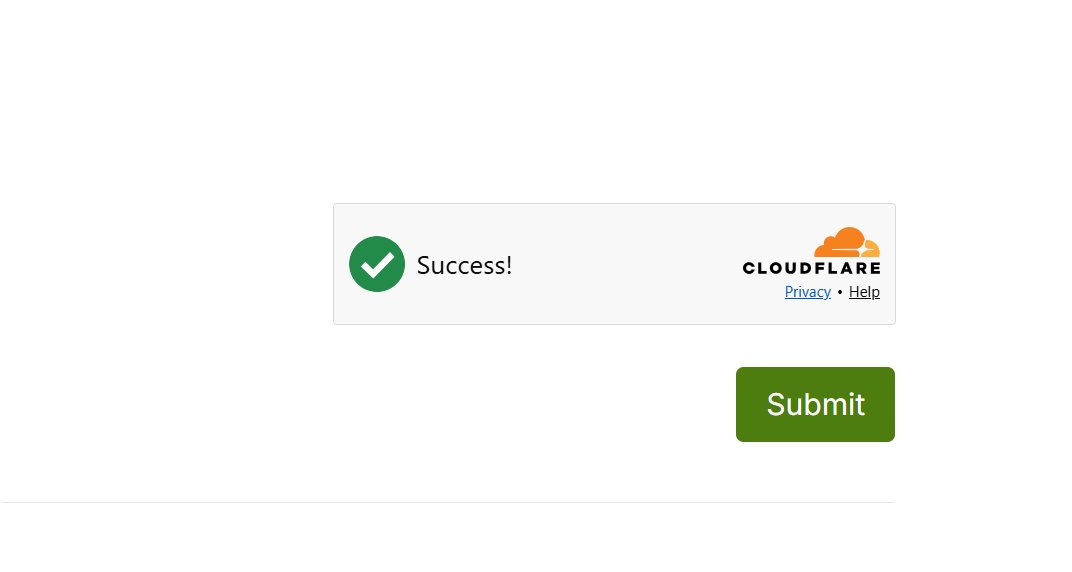
The new Bot protection feature uses Cloudflare Turnstile to check that a response is being submitted by a real person rather than an automated bot. When enabled, the verification check appears on the final page of your survey, before the respondent submits their response.
Why it helps:
Reduce unwanted responses submitted by automated bots.
Help protect the quality and integrity of your survey data.
Keep verification unobtrusive for most respondents, with interaction only requested when needed.
An additional way to protect your surveys and keep your response data reliable — now available in Jisc Online Survey
Introducing: Image choice questions
- New feature
If you need your respondents to choose between images rather than text-only answer options, there’s no longer any need for tricky workarounds. You can now add an independent Image choice question to your survey.
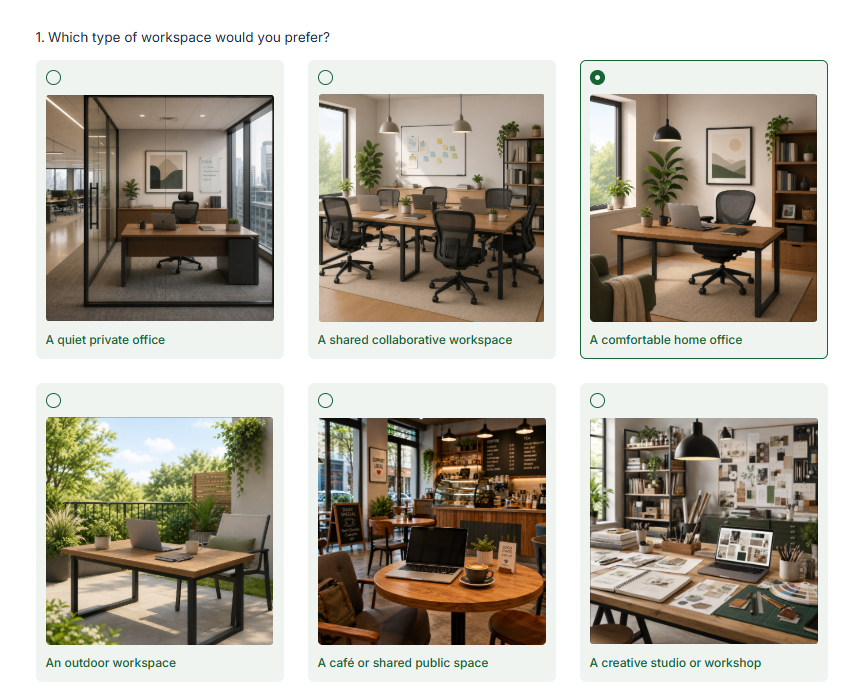
The new Image choice question lets respondents select one or more images as their answer. You can use it to collect visual preferences, compare designs, identify objects, or present choices that are easier to understand visually.
Choose between Single answer and Multiple answer questions, add an option label to each image, and provide alternative text to make your choices accessible to screen reader users
Why it helps:
Collect visual feedback in an engaging and intuitive way.
Compare designs, concepts, products, locations, and other visual options.
Allow respondents to select either one image or multiple images.
- Add labels and alternative text to make image options clear and accessible
A more visual way to collect preferences and feedback — now available in Jisc Online Surveys.
Allow your respondents to tell you when your answers don't apply
- New feature
Need respondents to tell you when none of your answer options apply?
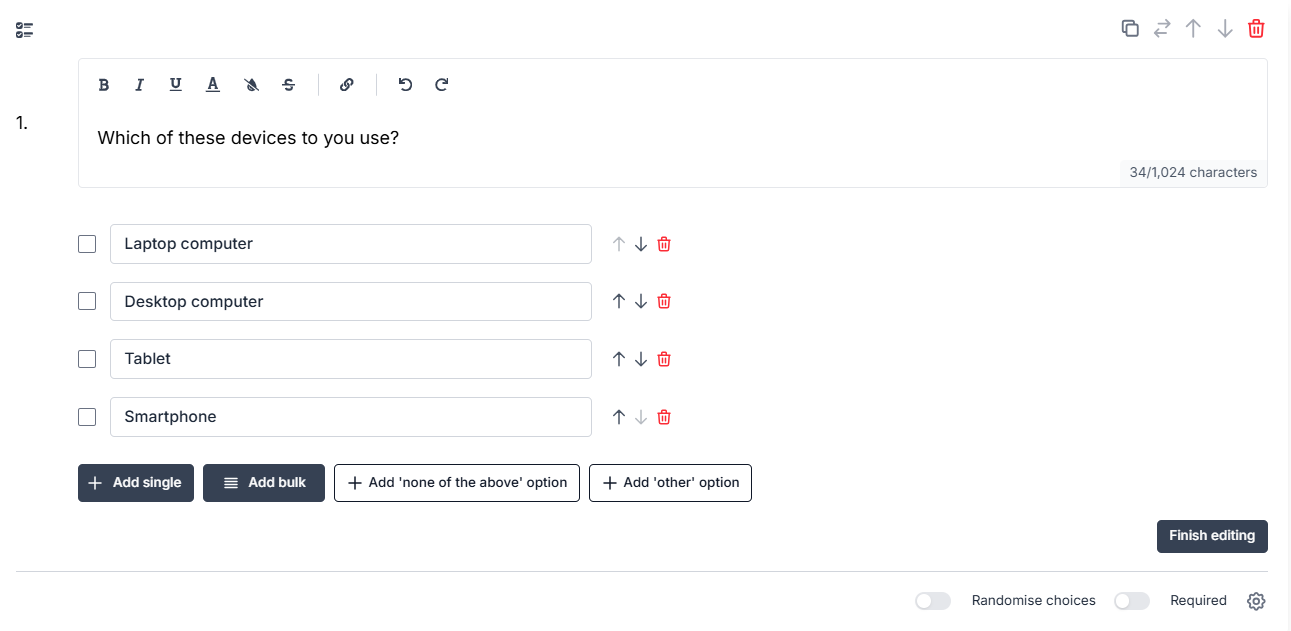
You can now add a None of the above option to multiple-answer Choice questions. This gives respondents a clear way to say that none of the listed options are relevant to them, without needing to skip the question or choose an inaccurate answer.
When selected, None of the above automatically clears any other selected options. If a respondent then selects another answer, None of the above is cleared. This helps keep your response data clean and avoids contradictory answers.
Why it helps you:
Give respondents a clearer way to answer when no options apply.
Reduce misleading or inaccurate responses.
Keep Multiple answer data cleaner by preventing conflicting selections.
A small but useful improvement for creating better answer options — now available for multi-answer Choice questions.
Introducing: Slider questions
- New feature
Need respondents to give a rating, score, percentage, amount, or other numeric answer? You can now add a Slider question to your survey.
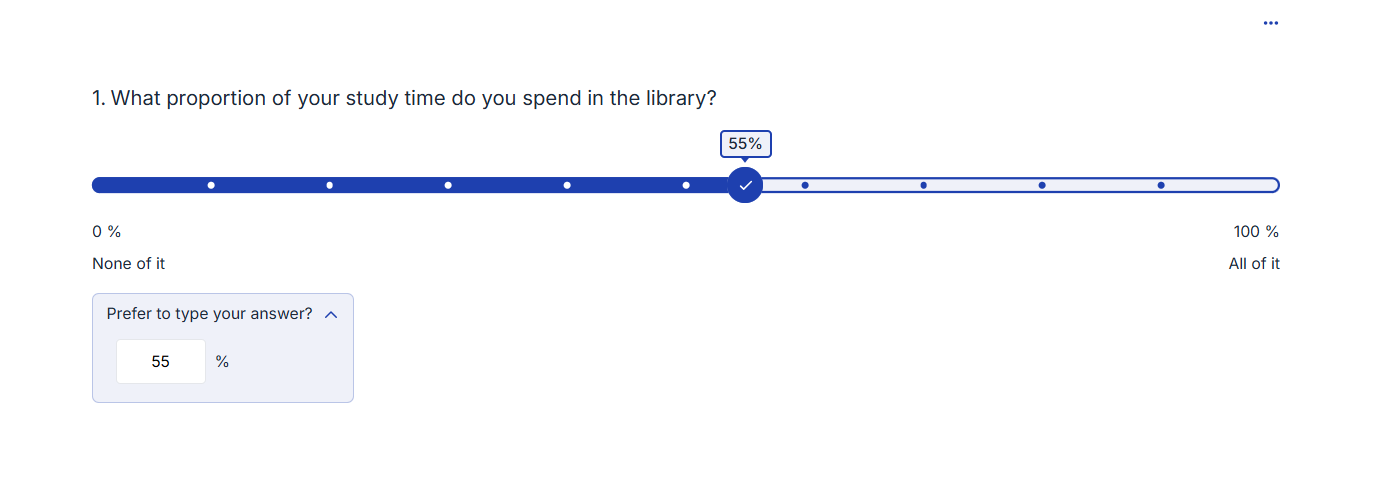
The new Slider question lets respondents choose a value from a scale you define. They can move the slider handle along your scale to select their answer.
The Slider can be customised by setting the minimum and maximum values, decimal places, prefixes or suffixes, scale labels, and the starting position of the slider handle. It comes with the option of allowing a typed value, making it fully accessible.
Why it helps:
Collect numeric responses in a simple, visual way.
Create rating scales, percentage questions, price questions, and more.
Give respondents the option to type their for full accessibility.
A flexible way to capture numbers, ratings, and scores — now available in Jisc Online Surveys.
Drag, drop and add items exactly where you need them
- Enhancement
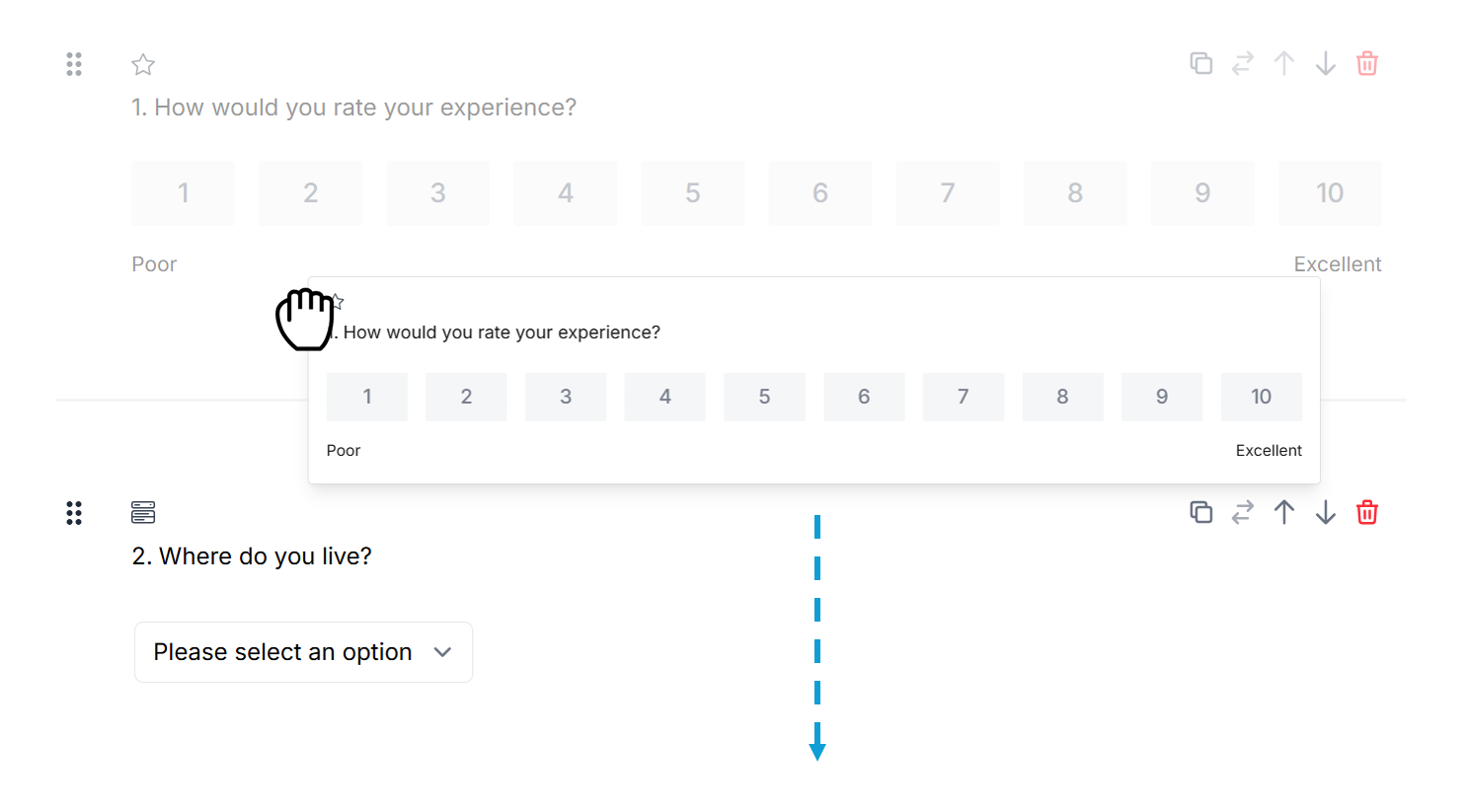
Need to rearrange your survey, add a new question between existing ones, or quickly refine the flow of a page? You can now drag and drop questions and pages, and add items directly into any part of a survey page.
These new survey builder improvements make it easier to structure your survey as you go. Move questions into the right order, insert new content exactly where you need it, and spend less time using move controls or adding items at the bottom of a page before repositioning them.
Our new tools:
Move questions or notes to any part of the page by using the drag handle.
Reorder pages by dragging the page tabs left or right.
Add a question or note anywhere on a page by hovering over the question divider and clicking Add item.
A simpler, faster way to shape your survey pages — and available now in the survey builder.